Prince of Persia The Lost Crown(Hypervisor) Free Download
25.22GB
If the zip file has a password, Please use: xgamefan.com
【Game Introduction】
1. Run “VBS.cmd” file with “Run as Administrator”. And pleas read the displayed information carefully before proceeding.
– Once complete, your PC will automatically restart.
– During the restart process, you will see a blue screen, you must press F7 and select “Disable Driver Signature Enforcement”.
2. Start game from “game/hypervisor-launcher.exe” (with “Run as Administrator”).
3. Enjoy ;')
NOTE 1: After you are done playing the game, it is highly recommended to revert the changes by run “VBS.cmd” file, select “Revert” (by pressing key 3)
NOTE 2: Each time you start the game, you need to repeat all the steps above.
UNLEASH YOUR INNER WARRIOR
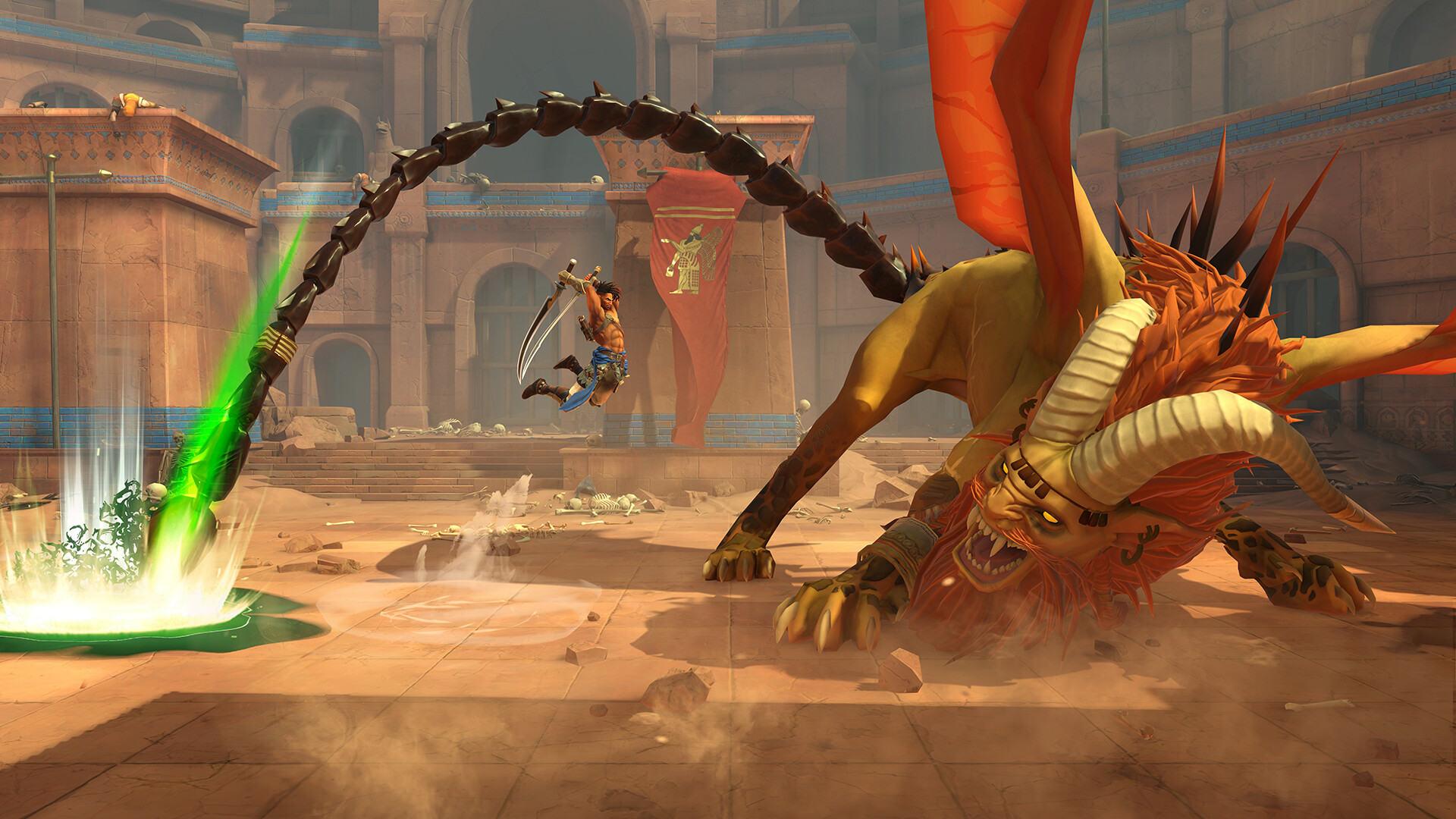
Use your Time Powers, combat, and platforming skills to perform deadly combos and defeat time-corrupted enemies and mythological creatures.LOSE YOURSELF IN THE PRODIGIOUS MOUNT QAF
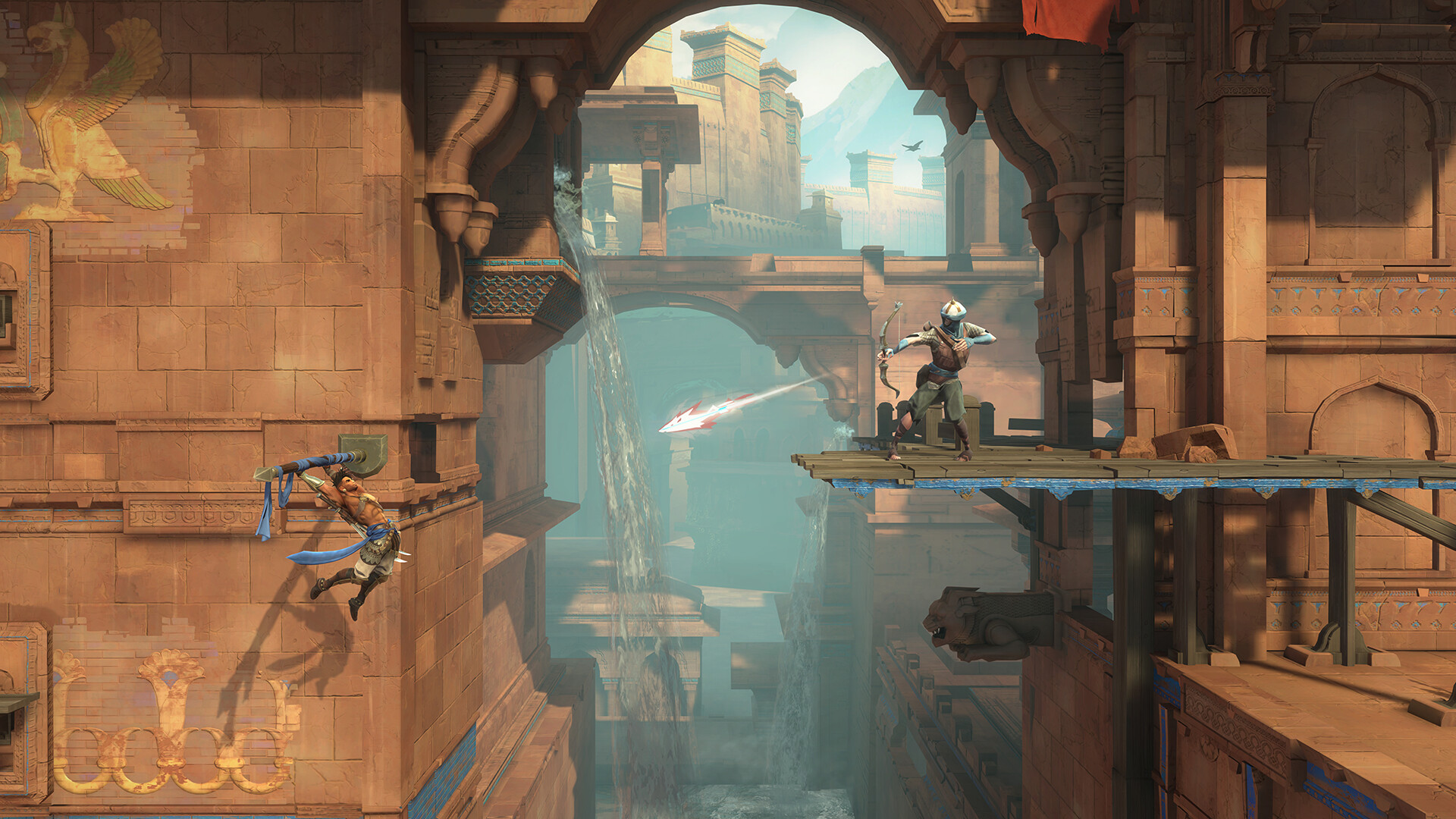
Discover a cursed Persian-inspired world filled with larger-than-life landmarks and explore a variety of highly detailed biomes, each with their own identity, wonder, and danger.LIVE AN EPIC ADVENTURE
Immerse yourself in a Persian mythological fantasy through an intriguing and original story as you use your wits to solve puzzles, find hidden treasures, and complete quests to learn more about this corrupted place.【Screenshot】

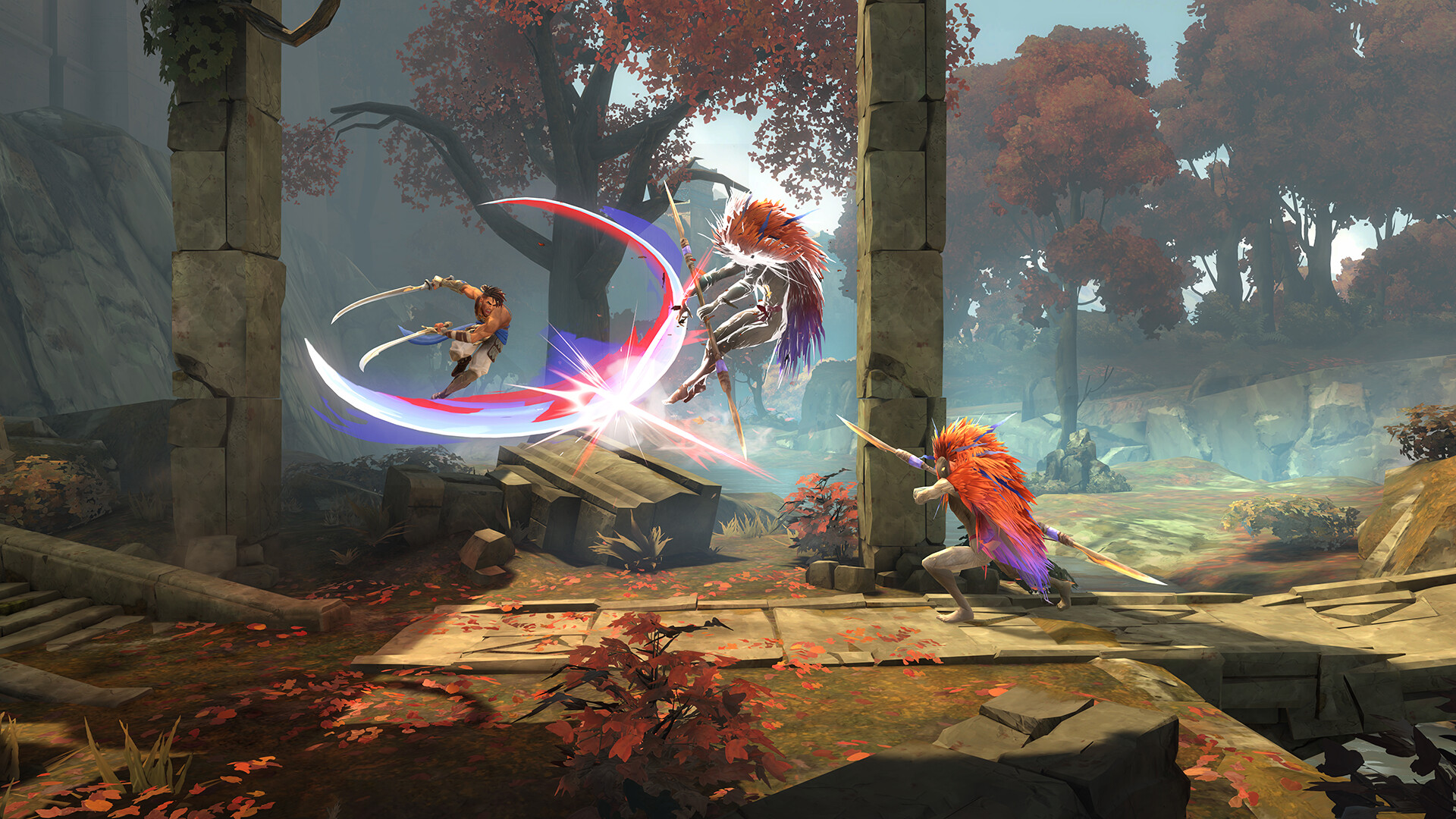
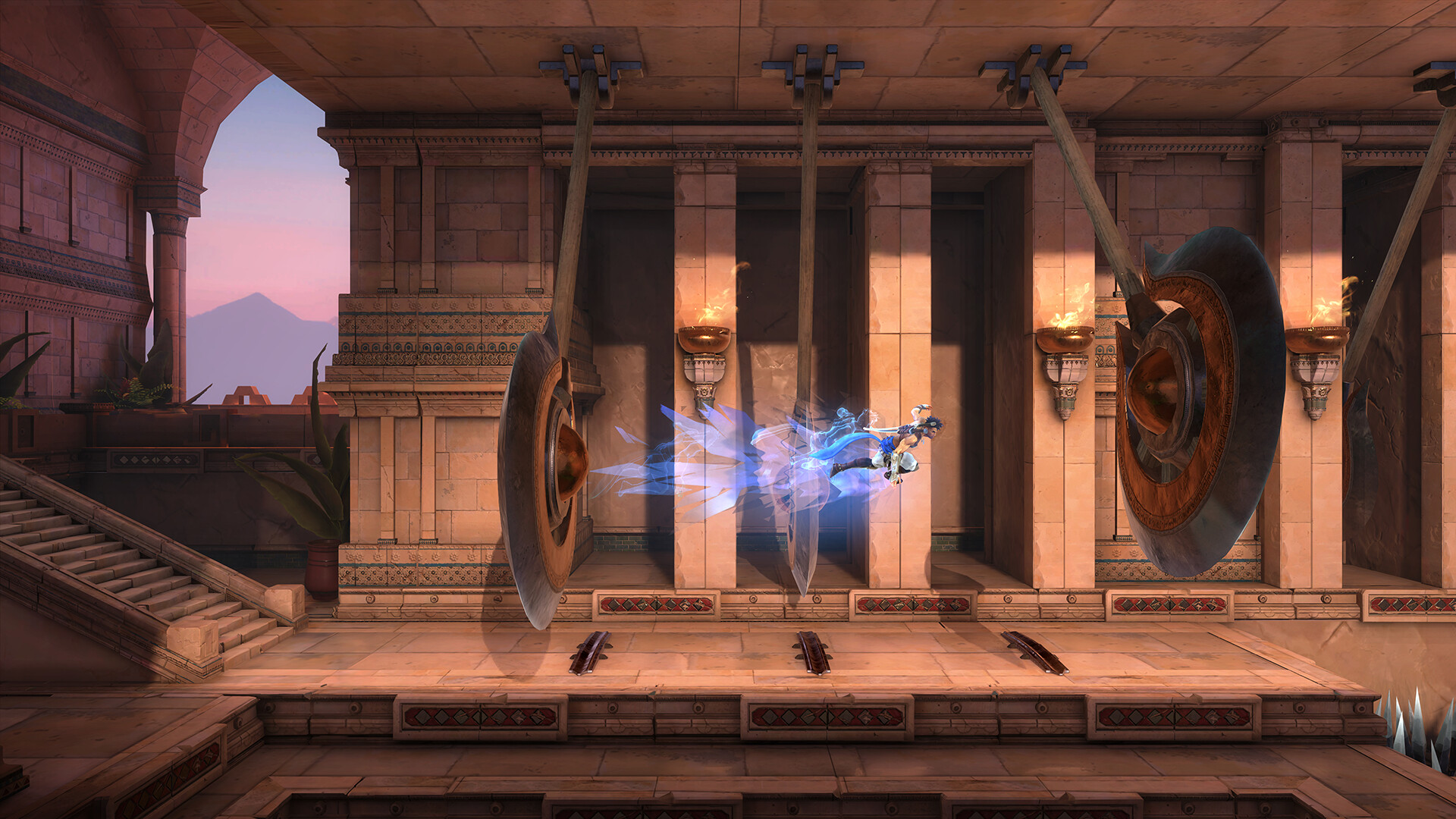
【Configuration Requirements】
Requires 64-bit processor and operating system
OS: Windows 10 (64 bit only)
CPU: Intel Core i5-4460 3.4 GHz, AMD Ryzen3 1200 3.1 GHz
Memory: 8 GB RAM
Graphics: NVIDIA GeForce GTX 950 (2GB VRAM) or AMD Radeon RX 5500 XT (4GB VRAM)
DirectX Ver: 11
Storage: Need 30 GB Available space
Tips:
- We don't hack games.
- All games are shared by netizens on the network disk.
- We do not charge any fees.
- Welcome to register as our member.
- Some games are only for testing and communication. If you find that this game is infringing, please send an email:[email protected], We will remove as soon as possible.
- We will add more game learning sharing soon.